Examples
Each example is a small project printing the same website, the Field Guide: five pages written with Material for MkDocs. Click a preview to open its document at that page. The files shown are the ones the pictured documents are generated from, and the examples are built by the tests of the plugin, so they keep working.
Their mkdocs.yml only shows what they add to the website's settings, shared by every example (examples/base.yml).
The Field Guide
A complete example: every page gets a document with a cover, a table of contents and headers and footers, and the pages are combined into a single document.
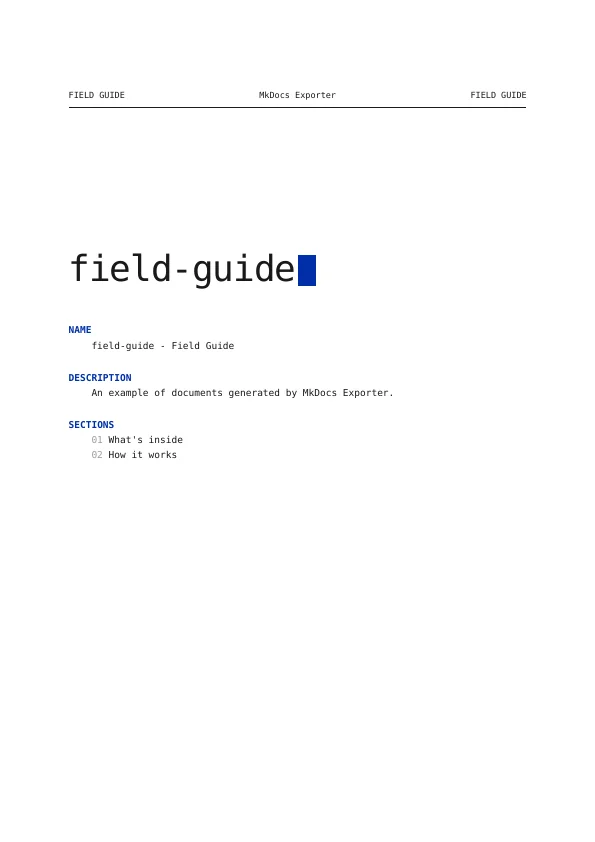
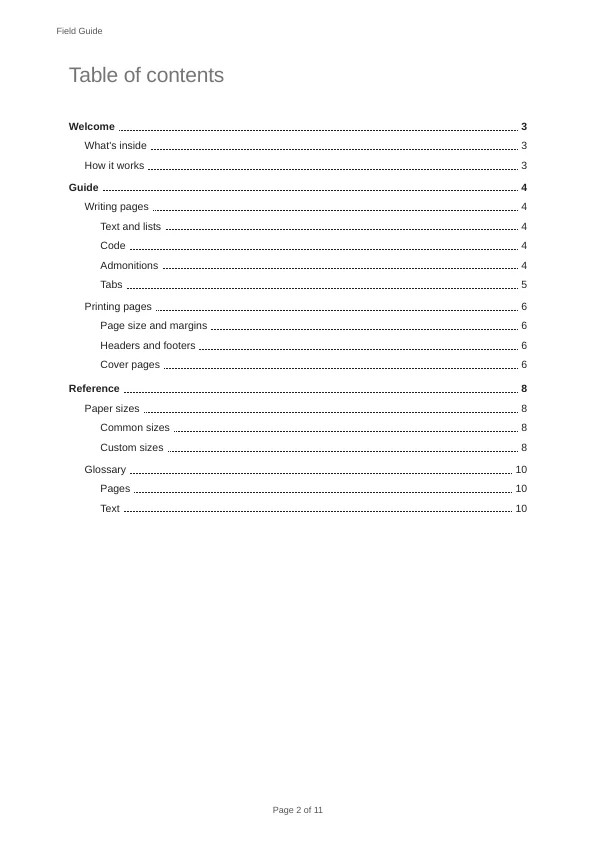
field-guide.pdf Browse the project
plugins:
  - exporter:
      formats:
        pdf:
          stylesheets:
            - pdf.css
          covers:
            front: covers/front.html.j2
            back: covers/back.html.j2
          header:
            left: "{site_name}"
            right: "{section}"
          footer:
            center: "Page {page} of {pages}"
          toc:
            enabled: true
            depth: 3
          books:
            - output: field-guide.pdf
              covers: limits
              toc:
                enabled: true
@page {
  size: A4;
  margin: 2.2cm 2cm;
}

.md-typeset {
  font-size: 10.5pt;
}
<style data-mkdocs-exporter-teleport="head">
  @page :first {
    margin: 0;
  }

  .manual {
    break-after: page;
    padding: 2cm 2cm 0;
    color: #1a1a1a;
    font-family: "DejaVu Sans Mono", Menlo, Consolas, monospace;
    font-size: 9.5pt;
    line-height: 1.6;

    .header {
      display: flex;
      justify-content: space-between;
      padding-bottom: 0.2cm;
      border-bottom: 1px solid;
      font-size: 8.5pt;
    }

    .name {
      margin: 5cm 0 1.2cm;
      font-size: 36pt;
      line-height: 1.1;
      letter-spacing: -0.03em;

      /* A cursor after the name */
      &::after {
        content: "";
        display: inline-block;
        width: 0.5em;
        height: 0.85em;
        margin-left: 0.1em;
        vertical-align: -0.1em;
        background: #002fa7;
      }
    }

    .label {
      margin-top: 0.6cm;
      color: #002fa7;
      font-weight: 700;
    }

    .text {
      padding-left: 4ch;
    }

    .number {
      color: #9e9e9e;
    }
  }
</style>
{% set home = page.is_homepage %}
{% set name = (config.site_name if home else page.title) | lower | replace(" ", "-") %}
{% set toc = page.toc | list %}
{% set sections = toc[0].children if toc and toc[0].level == 1 else toc %}
{% set related = (page.parent.children | rejectattr("url", "equalto", page.url) | list) if page.parent else [] %}
<div class="manual">
  <div class="header">
    <span>{{ config.site_name | upper }}</span>
    <span>{{ page.parent.title if page.parent else config.site_author }}</span>
    <span>{{ config.site_name | upper }}</span>
  </div>
  <div class="name">{{ name }}</div>
  <div class="label">NAME</div>
  <div class="text">{{ name }} - {{ config.site_name if home else page.title }}</div>
  <div class="label">DESCRIPTION</div>
  <div class="text">{{ config.site_description if home else page.meta.description }}</div>
  {% if sections %}
  <div class="label">SECTIONS</div>
  <div class="text">
    {% for section in sections %}
    <div><span class="number">{{ "%02d" | format(loop.index) }}</span> {{ section.title }}</div>
    {% endfor %}
  </div>
  {% endif %}
  {% if related %}
  <div class="label">SEE ALSO</div>
  <div class="text">
    {% for other in related %}{{ other.title | lower | replace(" ", "-") }}{{ ", " if not loop.last }}{% endfor %}
  </div>
  {% endif %}
</div>
<style data-mkdocs-exporter-teleport="head">
  /* A page of its own, without the header and the footer */
  @page colophon {
    @top-left {
      content: none;
    }

    @top-right {
      content: none;
    }

    @bottom-center {
      content: none;
    }
  }

  .colophon {
    page: colophon;
    padding-top: 18cm;
    color: #1a1a1a;
    font-family: "DejaVu Sans Mono", Menlo, Consolas, monospace;
    font-size: 9pt;
    line-height: 1.6;

    .label {
      color: #002fa7;
      font-weight: 700;
    }

    .text {
      max-width: 13cm;
      padding-left: 4ch;
    }
  }
</style>
<div class="colophon">
  <div class="label">COLOPHON</div>
  <div class="text">
    {{ config.site_name }}: {{ config.site_description }}
    Printed by MkDocs Exporter.
  </div>
</div>
- The front cover is laid out like a manual page, from the page itself: its title (
page.title), its description (page.meta.description), its sections (page.toc) and the other pages of its section (page.parent.children). - The front cover of the home page is the cover of the book (
covers: limits): on that page, the template shows the website's name and description instead (page.is_homepage). - The back cover is printed on a named page (
page: colophon), which leaves out the header and the footer itself (content: nonefor each of them): the plugin only leaves them out of its own cover pages.
Themes
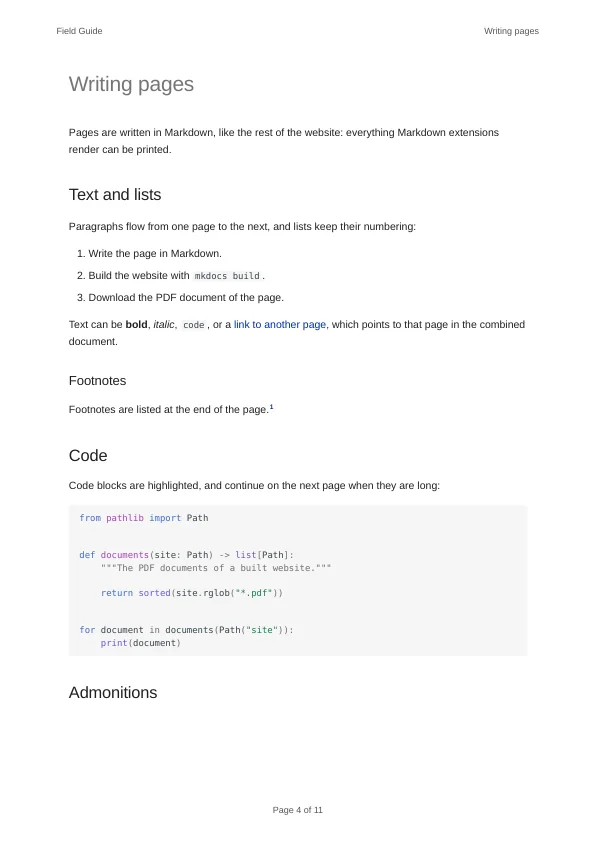
The same page, printed with the material and readthedocs themes:
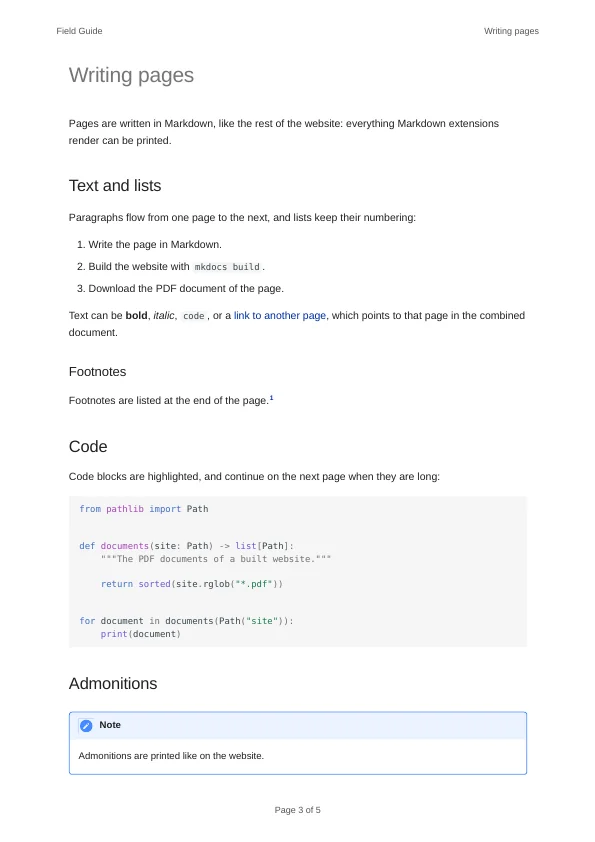
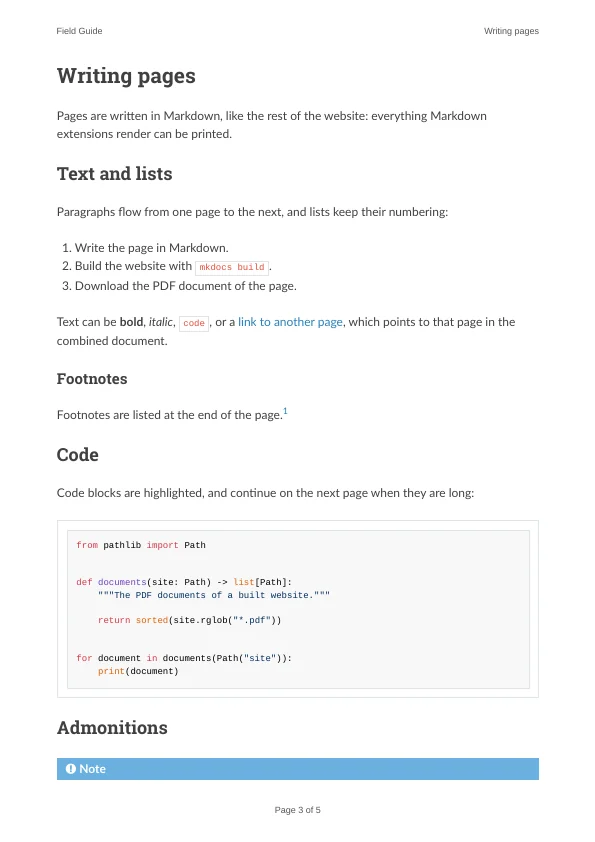
guide/writing/index.pdf (field-guide) guide/writing/index.pdf (field-guide-readthedocs)
Other themes are supported on a best-effort basis: their navigation is hidden by generic rules, which a stylesheet can complete.
Content
How diagrams, mathematics and images are printed, with the configuration of this documentation (each page has a PDF document):
- Diagrams, drawn by Mermaid;
- Mathematics, typeset by MathJax and KaTeX;
- Multimedia: images, in various formats.
Recipes
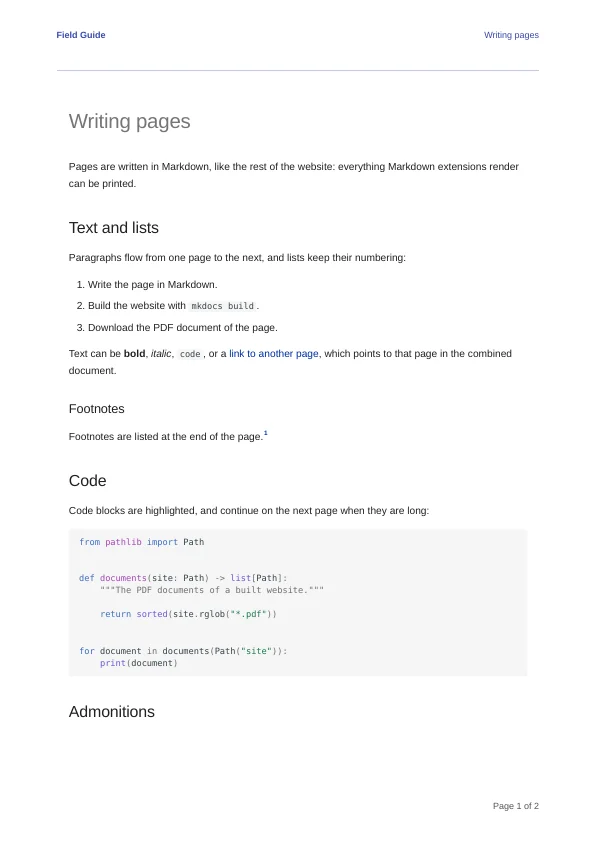
Headers and footers with the website's name, the current section and page numbers.
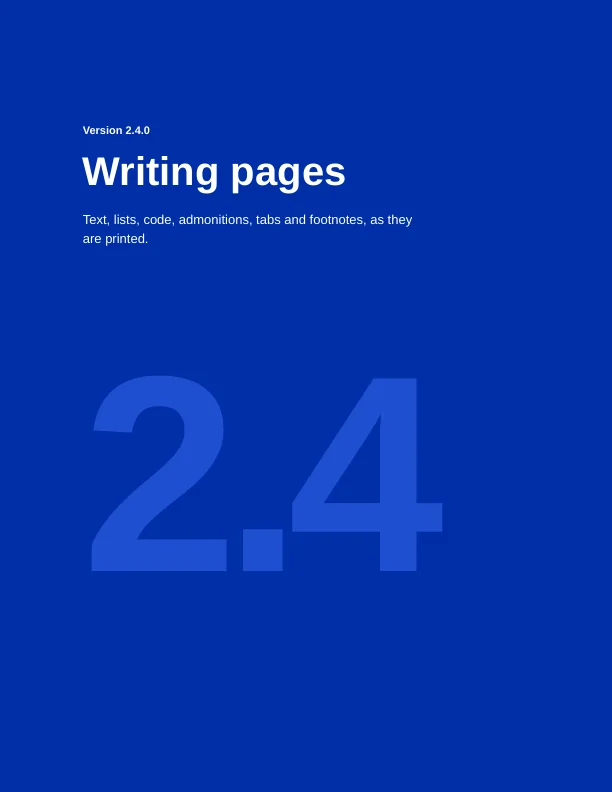
A full-bleed front cover showing the page's metadata, followed by a table of contents.
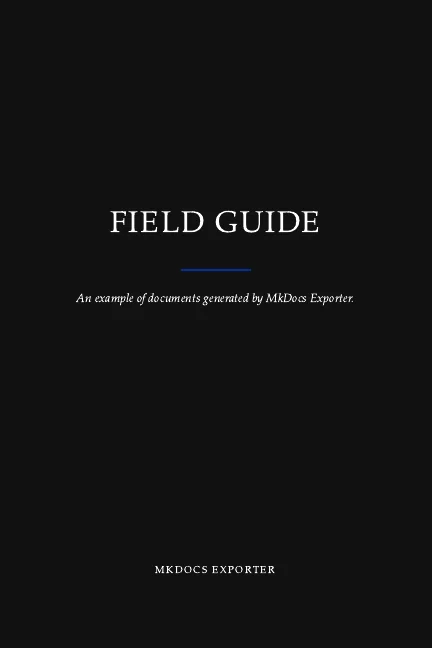
Every page combined into a book, with a cloth-like cover, a table of contents, bookmarks and chapters starting on the right.
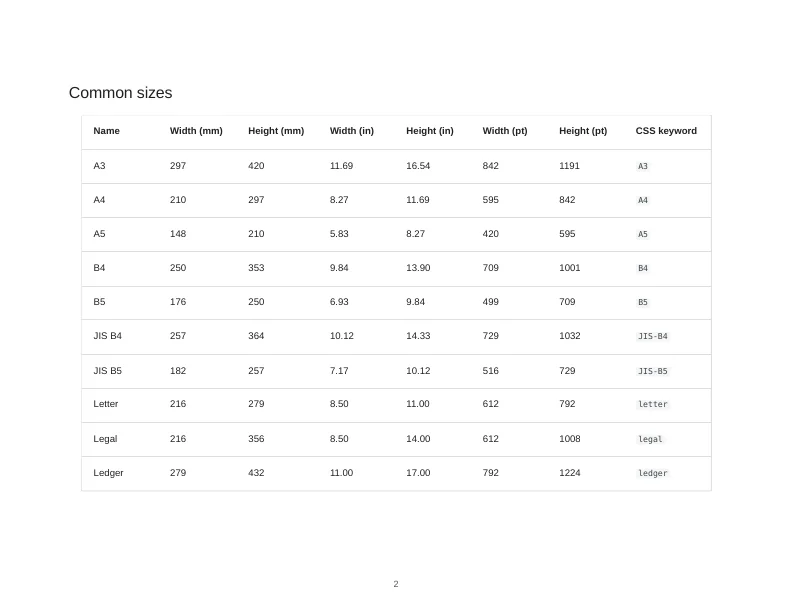
Paper size and landscape pages
US Letter pages, and landscape pages for wide tables.
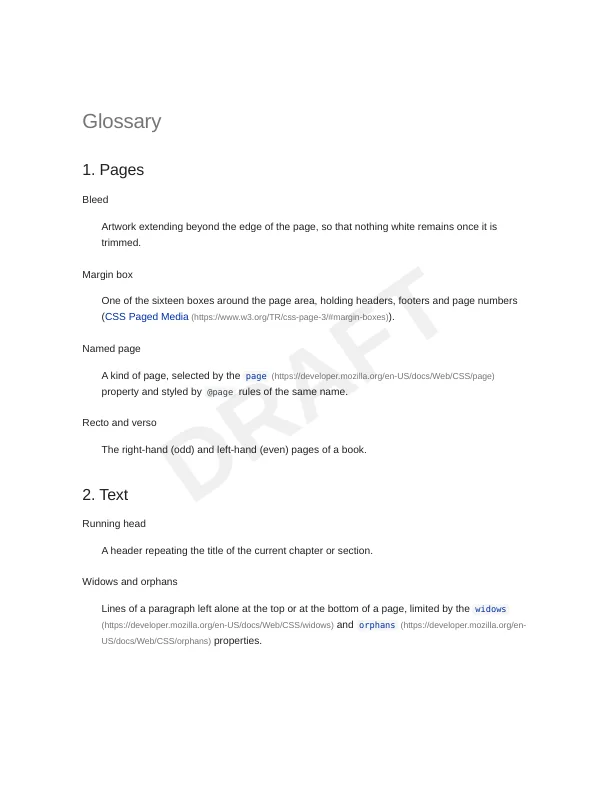
Numbered headings, the addresses of links, a watermark, and content for the website or documents only.
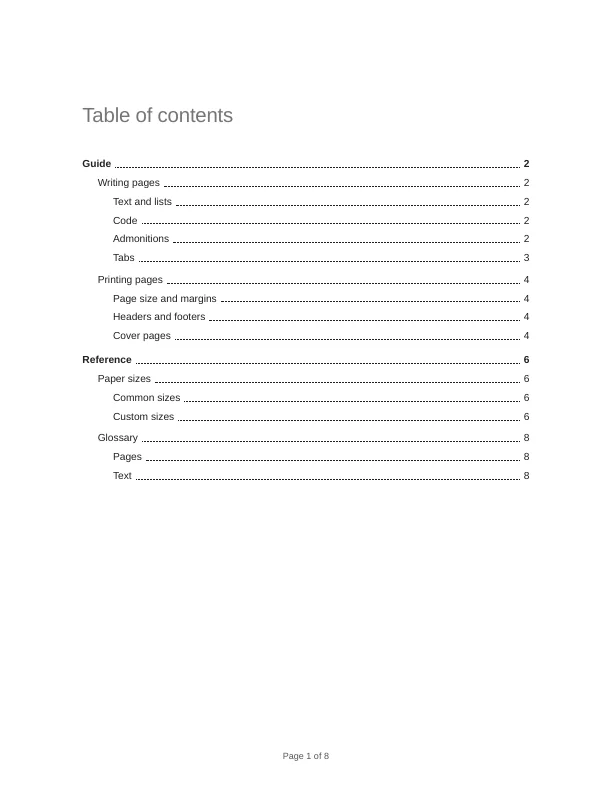
Several books, selecting pages with patterns.